
Create, Edit, and Enhance Photos, Designs & Videos with AI
Generate, edit, and enhance photos, designs, and videos with LightX’s AI-powered tools. Simple, fast, and all in one place - no skills needed. Try for free now!







AI Tools That Work for You
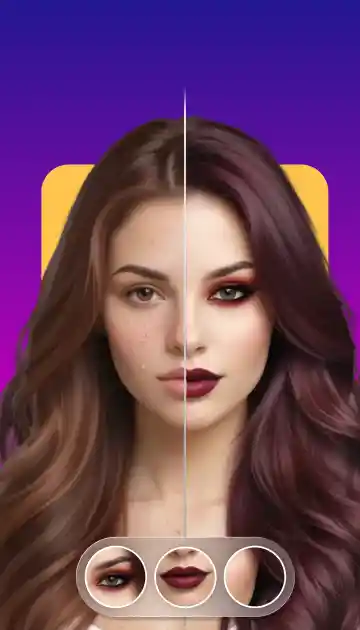
Everything you need is right here. This all-in-one workspace lets you edit photos online, design, and create with AI in seconds. You can easily fix images, make an avatar, create logos, and make unique visuals instantly. So, get ready to save your time & multiply your efforts with the best results.
Fast Fixes for Every Photo
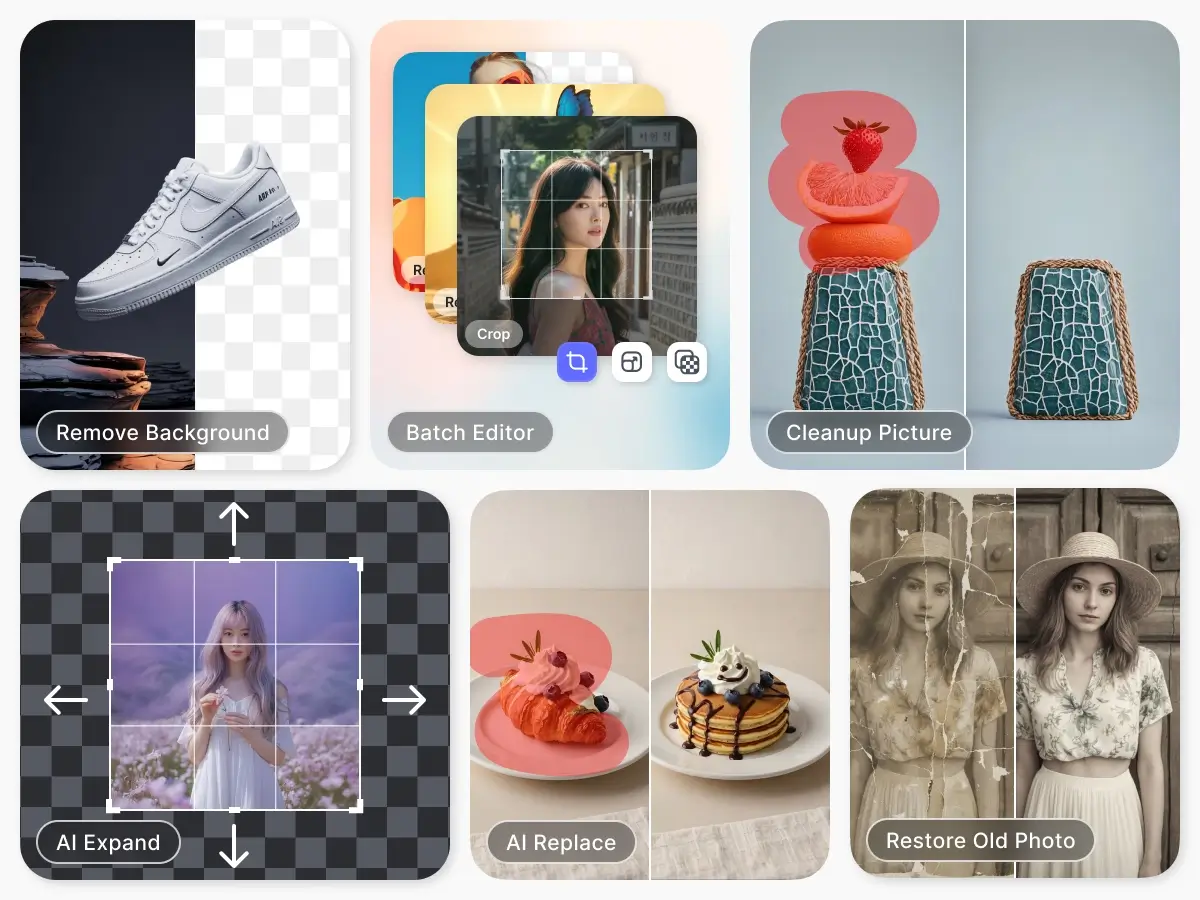
Get perfect photos in seconds. From simple touch-ups to advanced edits, our online photo editor makes editing easy. You can easily restore old images, remove backgrounds, clean up pictures, expand or replace elements, and batch-edit for fast & professional results. Start creating stunning visuals today.
Do More with Your Photos
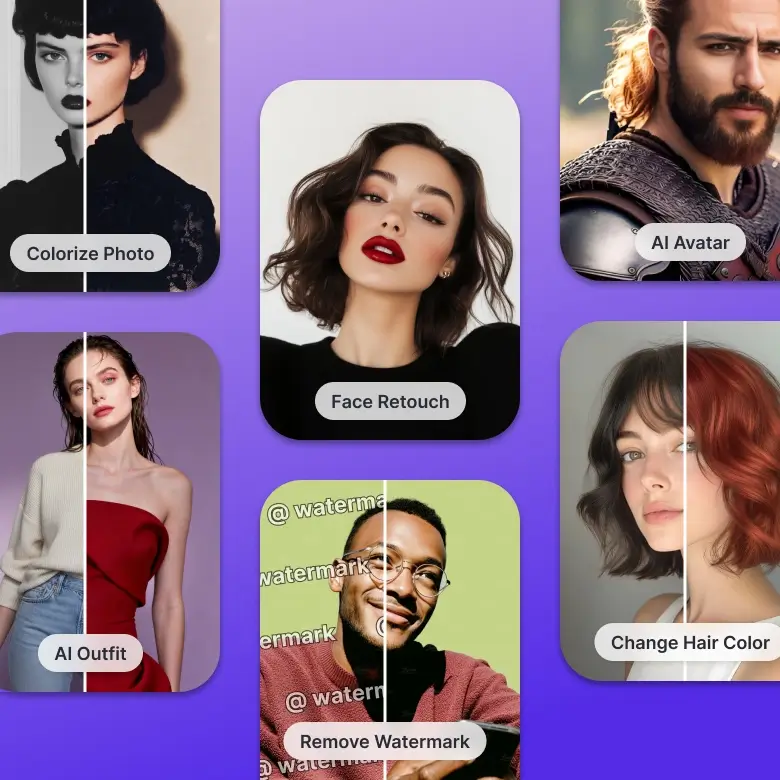
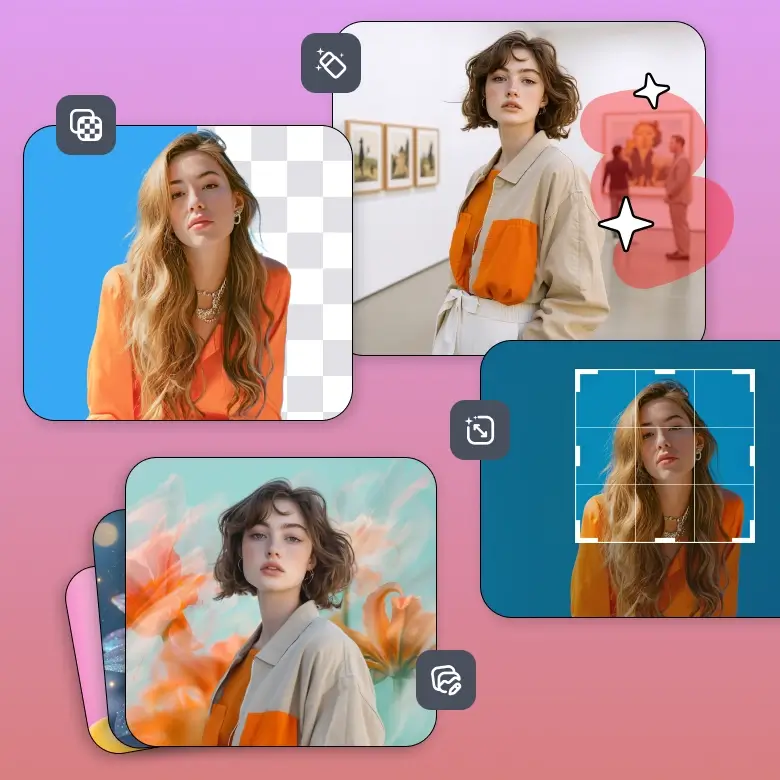
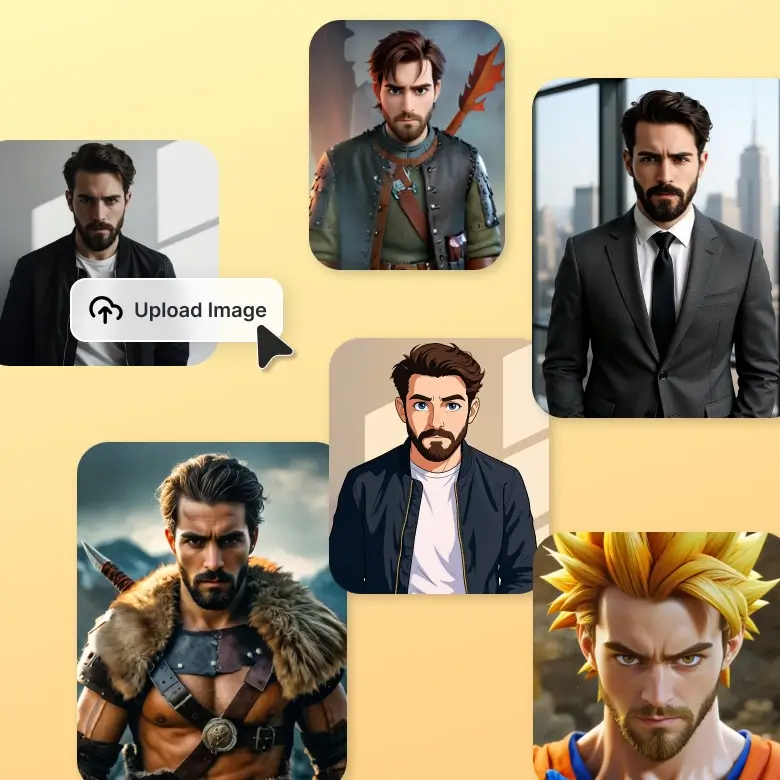
Creativity doesn’t come with limits, so get ready to turn your imagination into a reality with your best AI photo editor. Turn your normal portrait into a superhero, cartoon, or any Avatar without any hassle. Make it easy, fun, and more creative without any special skills.
Easy Design for Everyone
Make your creation your identity by designing unique logos, T-shirt designs, Monogram posters, packaging, and more. It is perfect for beginners or professionals as it simplifies your creativity and helps you get high-quality images. So, don’t wait for the perfect time, start creating now.

Look Your Best in Every Photo
Get Studio-quality photos without leaving home! Yes, it's all possible with this free AI photo editor. Capture all your photoshoots at your ease without worrying about anything. From Body & face retouch to customizing colors or layouts, all can be done in seconds. You can also use AI filters, unblur the photo, or AI retouching to further enhance your images.

Sell More with Better Photos
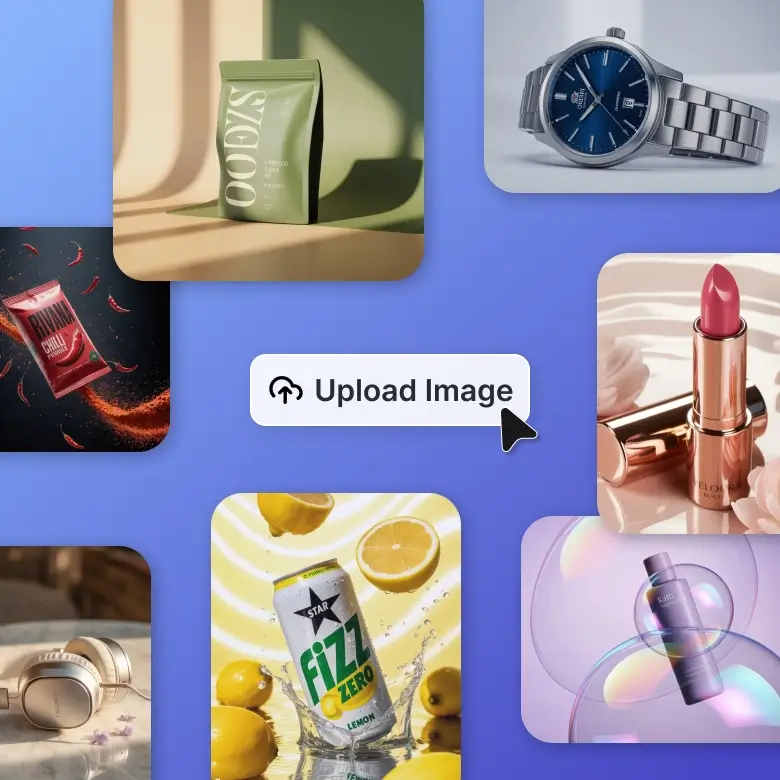
Showcase your products like a pro! Get studio-quality images at your comfort by saving all your time & money. This is perfect for e-commerce sellers, small businessmen & creators who want their product to stand out. You can also upscale your images and remove the background to make your products shine. So, don't wait to boost your sales, create now.
Simple Tools for Smart Videos
Turn ideas into videos instantly! Give a simple text and convert your images into a video with an AI video generator in just a few clicks. It doesn't need any skills, just an idea that can add life to your images and make them in a motion. Create a fun video, short ads, and a presentation now.
import requests

url = 'https://api.lightxeditor.com/external/api/v1/remove-background'
headers = {
'Content-Type': 'application/json',
'x-api-key': '<Insert your API Key>'  # Replace with your actual API key
}

data = {
"imageUrl": "https://example.com/your-image.jpg",  # Replace with the URL of your input image
"background": "color name or color code"  # Replace with the desired background color name or color code
}

response = requests.post(url, headers=headers, json=data)

# Check if the request was successful
if response.status_code == 200:
print("Request was successful!")
print(response.json())
else:
print(f"Request failed with status code: {response.status_code}")
print(response.text)
const fetch = require('node-fetch');  // Only needed if you are using Node.js

const url = 'https://api.lightxeditor.com/external/api/v1/remove-background';
const apiKey = '<Insert your API Key>';  // Replace with your actual API key

const data = {
"imageUrl": "https://example.com/your-image.jpg",  // Replace with the URL of your input image
"background": "color name or color code"  // Replace with the desired color name or color code
};

const options = {
method: 'POST',
headers: {
    'Content-Type': 'application/json',
    'x-api-key': apiKey
},
body: JSON.stringify(data)
};

fetch(url, options)
.then(response => {
    if (!response.ok) {
        throw new Error(`Request failed with status code ${response.status}`);
    }
    return response.json();
})
.then(data => {
    console.log('Request was successful!');
    console.log(data);
})
.catch(error => {
    console.error('Error:', error);
});
}
import Foundation

// Define the URL and API key
let url = URL(string: "https://api.lightxeditor.com/external/api/v1/remove-background")!
let apiKey = "<Insert your API Key>"  // Replace with your actual API key

// Define the request body
let requestBody: [String: Any] = [
"imageUrl": "https://example.com/your-image.jpg",  // Replace with the URL of your input image
"background": "color name or color code"  // Replace with the background color name or color code
]

// Convert request body to JSON data
let jsonData = try! JSONSerialization.data(withJSONObject: requestBody, options: [])

// Create the URLRequest object
var request = URLRequest(url: url)
request.httpMethod = "POST"
request.setValue("application/json", forHTTPHeaderField: "Content-Type")
request.setValue(apiKey, forHTTPHeaderField: "x-api-key")
request.httpBody = jsonData

// Create the URLSession data task
let task = URLSession.shared.dataTask(with: request) { data, response, error in
// Handle the response
if let error = error {
    print("Error: (error)")
    return
}

guard let httpResponse = response as? HTTPURLResponse, (200...299).contains(httpResponse.statusCode) else {
    print("Unexpected response")
    return
}

if let data = data {
    do {
        // Parse and print the JSON response
        let jsonResponse = try JSONSerialization.jsonObject(with: data, options: [])
        print("Response: (jsonResponse)")
    } catch {
        print("Error parsing JSON: (error)")
    }
}
}

// Start the task
task.resume()
import okhttp3.MediaType.Companion.toMediaType
import okhttp3.OkHttpClient
import okhttp3.Request
import okhttp3.RequestBody.Companion.toRequestBody
import okhttp3.Response
import org.json.JSONObject

fun main() {
// Define the URL and API key
val url = "https://api.lightxeditor.com/external/api/v1/remove-background"
val apiKey = "<Insert your API Key>"  // Replace with your actual API key

// Define the request body
val requestBody = JSONObject().apply {
    put("imageUrl", "https://example.com/your-image.jpg")  // Replace with the URL of your input image
    put("background", "color name or color code")  // Replace with the color name or code
}.toString()

// Create OkHttpClient
val client = OkHttpClient()

// Create the request
val request = Request.Builder()
    .url(url)
    .post(requestBody.toRequestBody("application/json; charset=utf-8".toMediaType()))
    .addHeader("x-api-key", apiKey)
    .build()

// Make the request
client.newCall(request).execute().use { response ->
    if (!response.isSuccessful) {
        throw IOException("Unexpected code $response")
    }

    // Print the response
    val responseData = response.body?.string()
    println("Response: $responseData")
}
}
 Method- Post
curl --location 'https://api.lightxeditor.com/external/api/v1/remove-background'
--header 'Content-Type: application/json'
--header 'x-api-key:  <Insert your API Key>'
--data '{
"imageUrl":"https://example.com/your-image.jpg",  // Replace with the URL of your input image
"background": "color name or color code"
}



Starter
- 5 daily free AI credits
- Generate up to 5 images daily
- Access to photo editor tools
Pro Subscription
+ 1000 AI Credits monthly
Billed ₹11,988 ₹4,900 yearly
- 1000 AI credits monthly
- Generate up to 500 images monthly
- Access to all AI Tools
AI Credits
- 1000 AI credits
- Generate up to 500 images
- Access to all premium AI tools


