


How to add shadow to a photo?
Upload your image
Start with a PNG, JPG, or any object with a clean background.
Use a simple prompt
Type "add drop shadow" or "realistic shadow" into the AI box. The AI shadow generator finds the light source and object edges for you.
Download
Save your photo with a brand-new shadow effect that looks 100% natural.
Professional shadows for e-commerce and product photography
If you sell products online, "floating" images should be a “no-go”. Our shadow maker helps items look grounded and real. A drop shadow to any image, creates a 3D effect. Its effective on customers in understanding the accurate size and shape of your product. It’s the easiest way to upgrade your product photography without a studio.
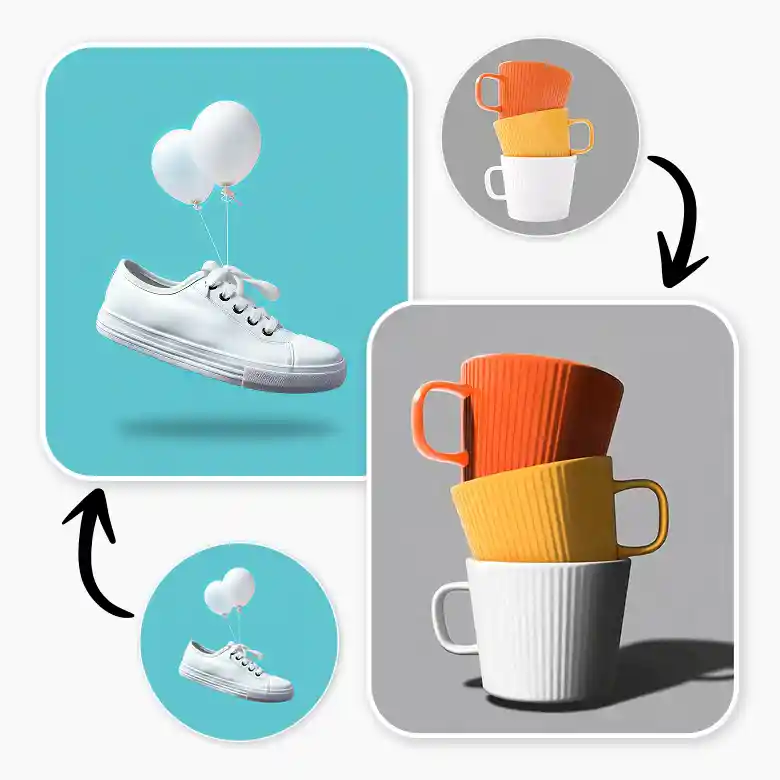
AI-enabled realistic shadows for any object
You don’t need to be a pro editor to create a shadow for a product image. Our smart AI analyzes the texture, shape, and light direction on your object. It makes sure the shadow casts perfectly and follows every curve. The shadow looks super realistic and a part of the original photo.
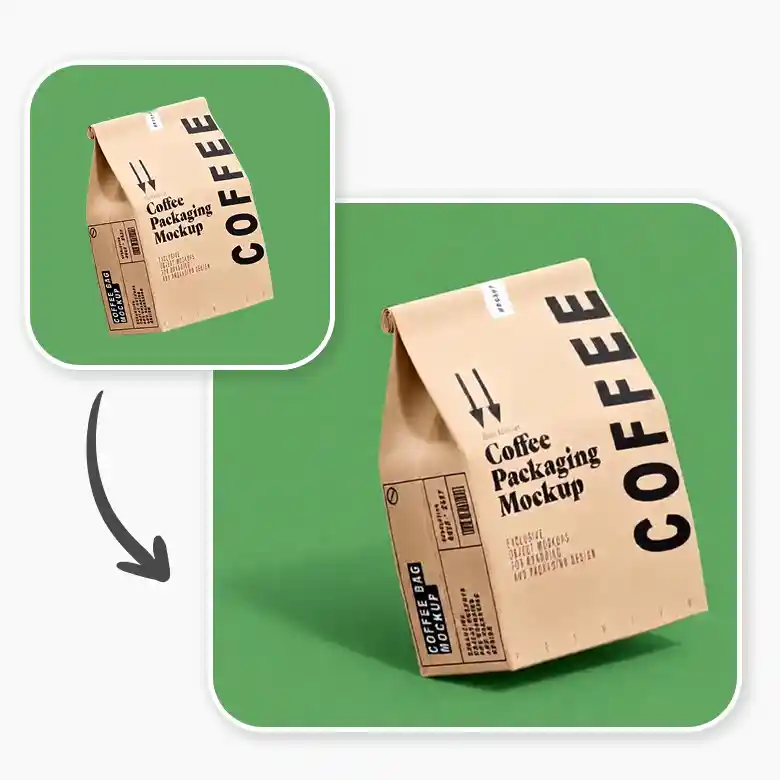
Customize your shadow or keep it consistent
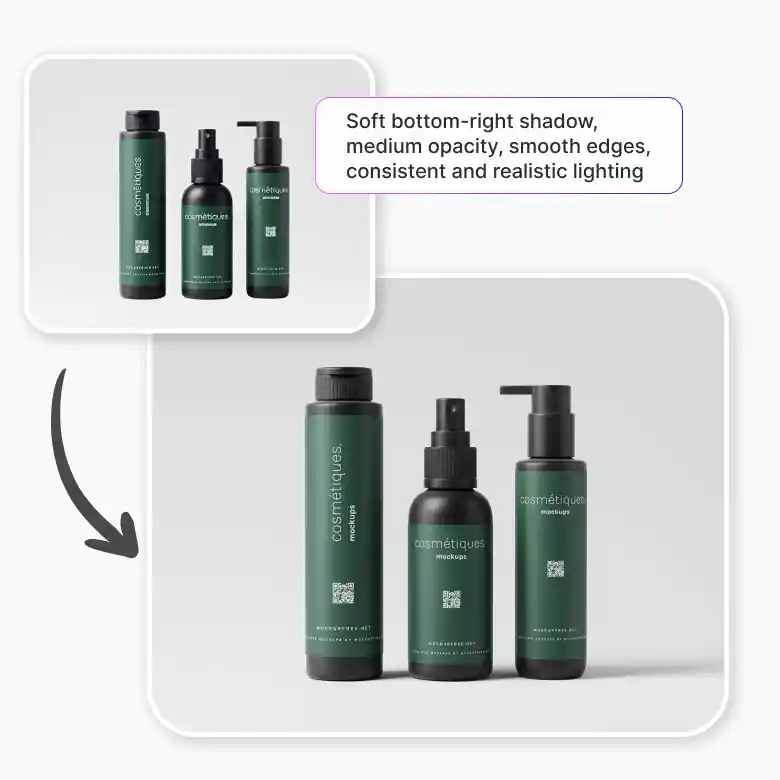
Want a specific look? Use prompts to customize the shadow. Change the shadow's direction or on what object it has to be placed (if there are multiple objects). Adjust the opacity/ intensity as much you want. This is perfect for brands that want all their website images to have the same "drop shadow" style, keeping everything looking clean and organized.
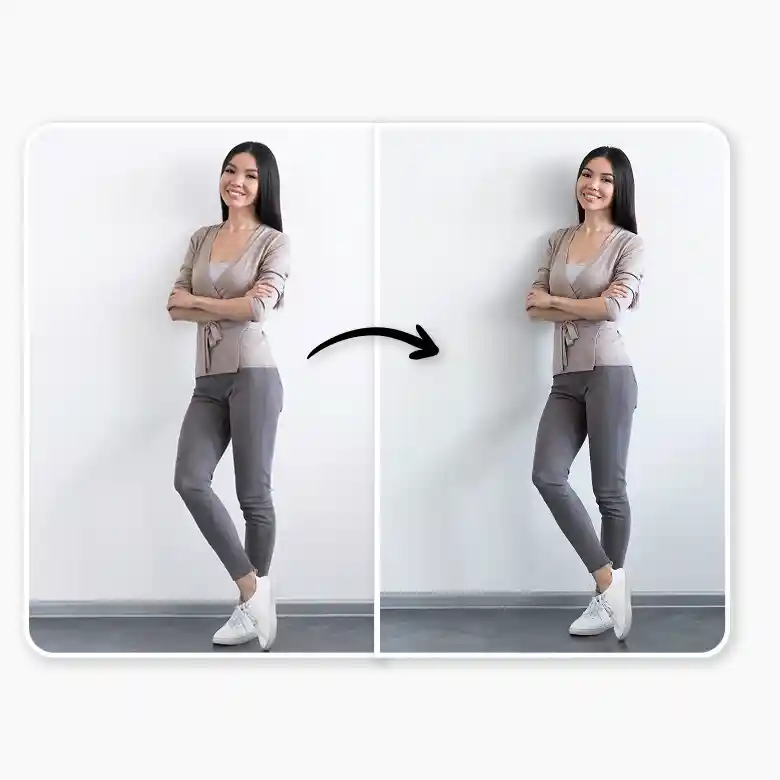
Full suite of product and portrait editing
Sometimes a natural shadow from a product photoshoot looks messy or distracting. Our shadow photo editor also lets you remove unwanted shadows or glares. Remove and apply a clean white background, and add a subtle drop shadow, and you’ve got a listing image just like that.. It makes your product listings stand out and look much more polished.
Frequently Asked Questions
A realistic shadow makes the object look like it is sitting on a real surface, which feels more natural to the human eye.


